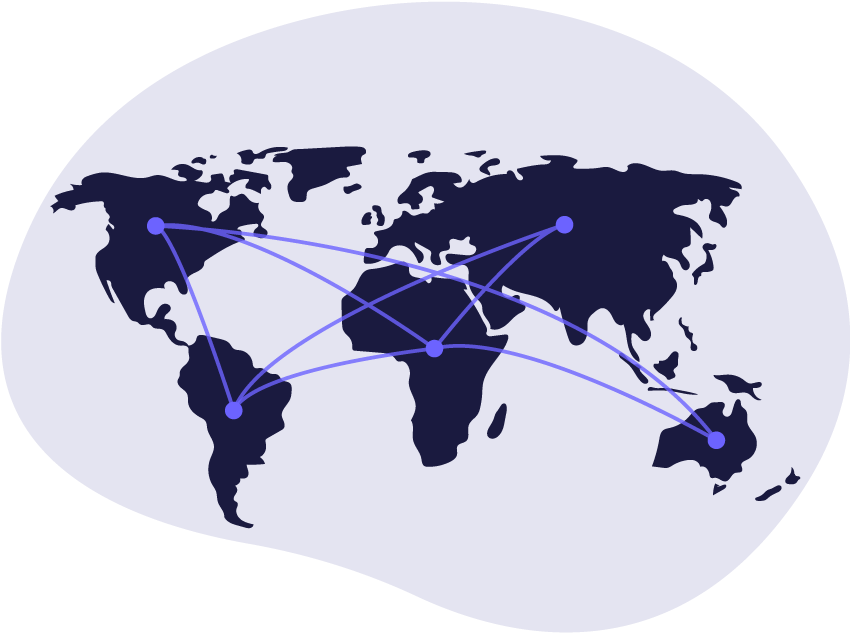
Start selling your products today and grow your business with our powerful multivendor marketplace! Whether you're an independent artisan, a retail brand, or an entrepreneur, our platform provides everything you need to manage your online store with ease.
Our tools and services make it easy
to manage, promote and grow your
business.
1
Register & Set Up Your Store
Complete the vendor registration form below by providing your business details, store name, and contact information.
2
Approval & Verification
Our team will review your application and verify your details. You’ll receive an email confirmation once your account is approved.
3
Add Products & Start Selling
Once approved, you can log in to your vendor dashboard, add products, set prices, and start selling.
4
Receive Payments
Easily track orders, manage your inventory, and receive payments directly into your account.
Vendor Registration Form
Required Information:
📌 Store Name – Your unique business/store name. 📌 Business Email – A valid email address for account creation and notifications. 📌 Username & Password – Secure credentials for logging into your vendor dashboard. 📌 Store Address – Your business location or warehouse address. 📌 Payment Details – Provide payment information for receiving earnings.
We process payments with PayPal, an external payments platform that allows you to process transactions with a variety of payment methods. Funds from PayPal sales on Martfury will be deposited into your PayPal account.
SELLER STORIES
See Seller share about their successful on Vendigo
Parbinder /CEO at Google INC
Sed elit quam, iaculis sed semper sit amet udin vitae nibh. at magna akal semperFusce commodo molestie luctus.Lorem ipsum Dolor tusima olatiup.
Here are some common questions about selling on Vendigo
How do fees work on Vendigo?
Joining and starting a shop on Vendigo is free. There are three basic selling fees: a listing fee, a transaction fee, and a payment processing fee.
It costs USD 0.20 to publish a listing to the marketplace. A listing lasts for four months or until the item is sold. Once an item sells, there is a 3.5% transaction fee on the sale price (not including shipping costs). If you accept payments with PayPal, there is also a payment processing fee based on their fee structure.
Listing fees are billed for $0.20 USD, so if your bank’s currency is not USD, the amount may differ based on changes in the exchange rate.
What do I need to do to create a shop?
It’s easy to set up a shop on Vendigo. Create an Vendigo account (if you don’t already have one), set your shop location and currency, choose a shop name, create a listing, set a payment method (how you want to be paid), and finally set a billing method (how you want to pay your Vendigo).
How do I get paid?
If you accept payments with PayPal, funds from PayPal sales on Vendigo will be deposited into your PayPal account. We encourage sellers to use a PayPal Business account and not a Personal account, as personal accounts are subject to monthly receiving limits and cannot accept payments from buyers that are funded by a credit card.
Do I need a credit or debit card to create a shop?
No, a credit or debit card is not required to create a shop. To be verified as a seller you have the choice to use either a credit card or to register via PayPal. You will not incur any charges until you open your shop and publish your listings.
What can I sell on Vendigo?
Vendigo provides a marketplace for crafters, artists and collectors to sell their handmade creations, vintage goods (at least 20 years old), and both handmade and non-handmade crafting supplies.
Still have more questions? Feel free to contact us.